

REELHIVE / REEL-E ALTERNATIVE
A Reel-E alternative for social-ready property videos
A Reel-E alternative for real estate videos that start with your photos, not an editing timeline. Create a finished property video and share it on your social channels
01 / REELHIVE
What makes ReelHive a practical Reel-E alternative?
A focused workflow for agents and property photographers
ReelHive is a Reel-E alternative for turning listing photos into a complete marketing video. It combines scene-aware motion with automatic post-production, so your main decisions are what to show, in what order, and where to publish. The workflow suits agents promoting their own listings and photographers adding video to a photo delivery
Try this Reel-E alternative in the AI real estate video maker, or follow how to create real estate videos with AI for a guided first project. Comparing several tools? Our autoreel alternative guide explores another common starting point for the same listing-video workflow
Property-first motion
Present interiors and exteriors with movement guided by the pictured space
A complete deliverable
Receive an assembled video with the soundtrack and transitions already in place
Channel-led presentation
Set the format to match the post you are planning, rather than adapting it afterward
Flexible purchasing
Choose occasional production or a regular allowance without changing your creative workflow
See this Reel-E alternative in action
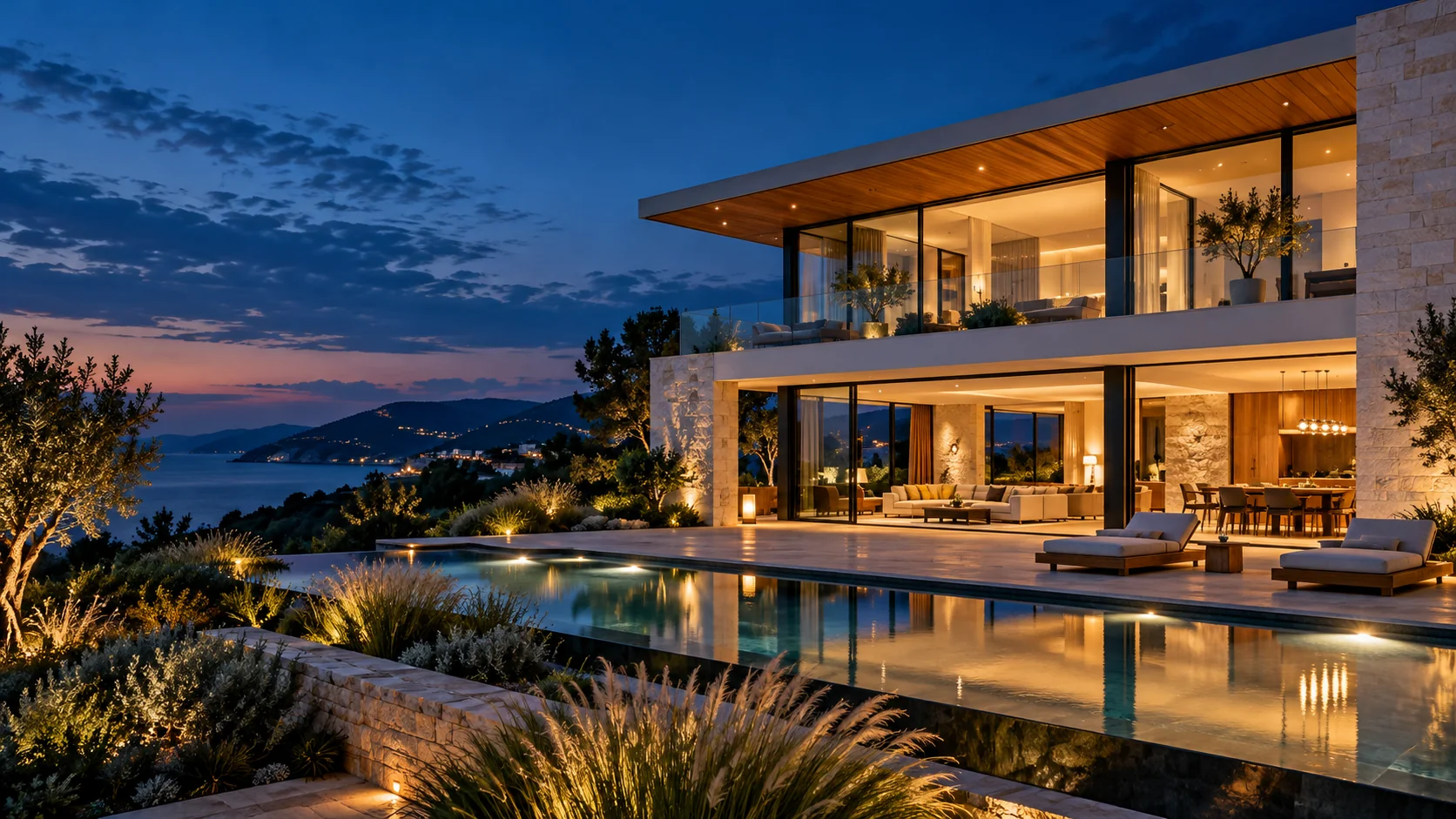
To assess a Reel-E alternative, watch the full tour to judge the overall sequence, then use the shorter examples to inspect interior movement and portrait framing. Look for a presentation that matches the way you want buyers to experience a property
See the details up close
Follow the viewpoint through the room and notice how the furniture, windows, and adjoining spaces are presented
Landscape videos · 16:9
Vertical Reels · 9:16
These are existing ReelHive outputs, not a same-photo comparison with Reel-E
Is ReelHive the right Reel-E alternative for your workflow?
Choose an alternative around the deliverable you need. ReelHive suits a photo-to-finished-video workflow. If you need detailed editing or automated publishing, check the current capabilities below before switching
To broaden your shortlist, compare the best AI real estate video tools; if AutoReel is also on your list, read our autoreel alternative guide
| What you need | How ReelHive fits | What to know before choosing |
|---|---|---|
| You have listing photos and want a finished video | How ReelHive fitsA good fit | What to know before choosingChoose the photo order, style, aspect ratio, and music; ReelHive handles clip generation and post-production |
| You make videos occasionally and do not want a subscription | How ReelHive fitsA good fit | What to know before choosingOne-time video packs are available, with allowances valid for 12 months from payment |
| You need both landscape and portrait videos for one property | How ReelHive fitsAvailable as separate generations | What to know before choosingEach project outputs one selected ratio. Two formats require two generations and use two video allowances |
| You want frame-by-frame control, manual clip trimming, or detailed subtitle editing | How ReelHive fitsNot currently available | What to know before choosingReelHive does not yet provide a manual timeline editor. We can add these capabilities later based on user demand |
| You want connected social accounts, scheduling, or automatic publishing | How ReelHive fitsNot currently available | What to know before choosingFor now, download your video and upload it through your own social account. We can add account connections and publishing tools later based on user demand |
If you are moving from Reel-E, test ReelHive with photos from a property you know before committing. Judge the output, workflow, and expected usage against your needs
Test the workflow on a property you know
Start with a small, representative photo set. The most useful test of a Reel-E alternative is whether its output works for your actual next post
Create my listing video free2 free listing videos · No credit card required
A Reel-E alternative for real estate videos with property-first motion
Keep the home, not the effect, at the center of the video
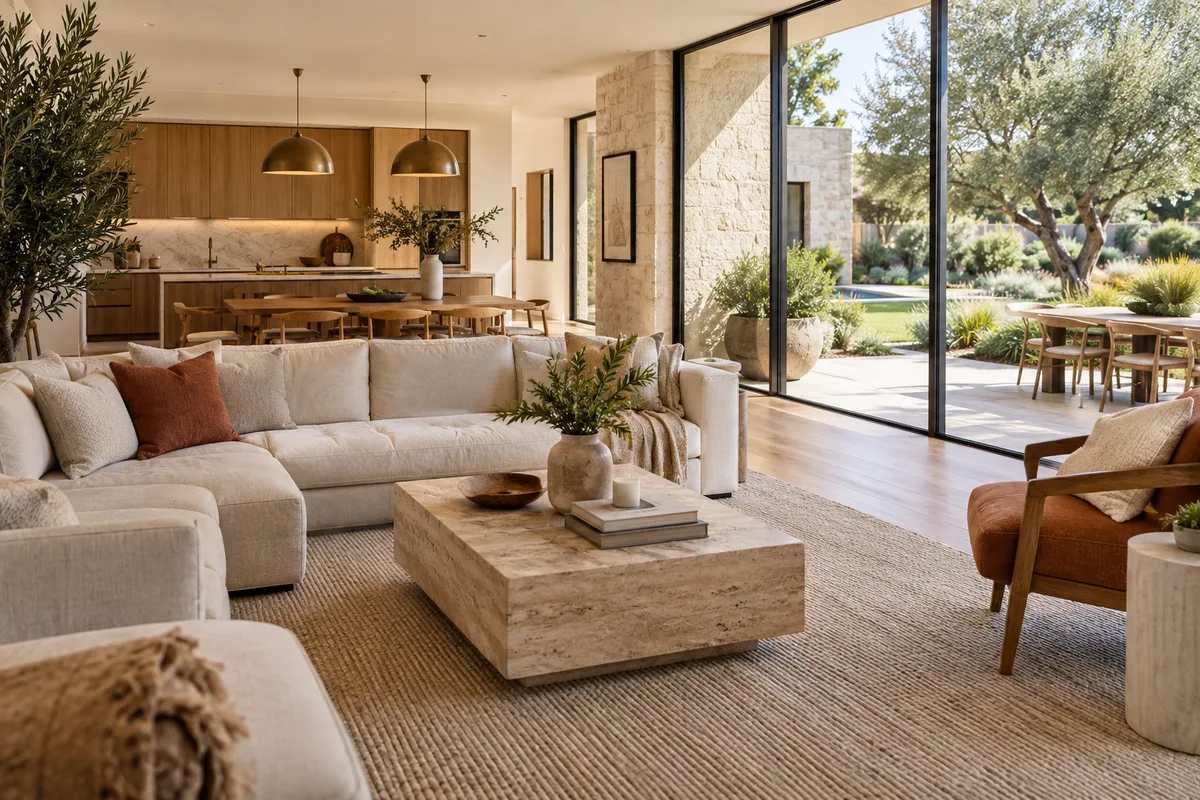
When evaluating a Reel-E alternative, look for movement that helps a viewer read the room. ReelHive’s property-specific generation instructions prioritize architectural continuity and restrained motion, keeping attention on the home instead of dramatic effects. Source quality matters too: favor balanced exposure, clear sightlines, and straight verticals over heavily cropped or stylized images
- Introduce the space
Lead with a strong exterior or main living area so buyers understand what they are seeing
- Connect the rooms
Order photographs as a plausible tour instead of alternating unrelated spaces
- Use details with purpose
Follow a wider view with a distinctive finish or feature that adds information about the home

Plan a social post, not just a video file
Match the photos and message to one publishing goal
If you need a Reel-E alternative for social videos, start with the post’s purpose. A new-listing introduction, an open-house invitation, and a room highlight call for different photo choices. These are suggested planning approaches, not claims that the examples above used those settings
- New listing
Introduce the home, show the main living spaces, and finish with a memorable exterior or amenity
- Open-house invitation
Prioritize the arrival and entertaining spaces; put the event details in your post caption
- One standout feature
Build a focused sequence around the kitchen, outdoor area, or another feature rather than trying to show every room

Make the frame work for your channel
Choose the composition before you generate
Use this Reel-E alternative for a channel-specific project. Portrait framing suits mobile feeds, while landscape gives wider interiors more horizontal room. Select photos whose main subject stays readable in the chosen ratio; choosing a format does not guarantee that every source composition will fit equally well
- Vertical: 9:16
Plan for Instagram Reels, TikTok, or YouTube Shorts; keep key property features near the useful center of the frame
- Landscape: 16:9
Use wider room views for a website, a standard YouTube video, or a property presentation
- Brand and text
Paid projects support a logo and brand color. Keep the message brief, and check the destination preview so platform controls do not cover important details
Use your Reel-E alternative in three steps
Prepare the source images once, then move through a single project from photo order to finished export
- 01
Upload and sequence
Choose photographs you are authorized to use. Remove near-duplicates and blurred shots, then put the remaining images in tour order. For a first test, include an interior, an exterior, and a distinctive feature
- 02
Set the presentation
Choose Luxury, Modern, or Social, your aspect ratio, and background music. Add optional listing information and, on a paid project, your branding. Confirm the sequence before generating
- 03
Review and share
Preview the result, download the finished video, and upload it through your own social account. ReelHive does not connect accounts or automatically publish posts
A Reel-E alternative without a required subscription
One-time packs: 1 video for $22, 3 for $57, or 5 for $89. Purchased allowances stay valid for 12 months from payment
For context beyond subscription prices, our real estate video editing pricing guide compares the scope of photo-based generation, footage editing, and filming
For a hypothetical one-off listing, the $22 pack avoids a recurring charge. For three videos every month, Essential monthly costs $49, about $16.33 per video if all three are used, versus $57 for a three-video pack. Essential yearly is $468 paid upfront, equivalent to $39 a month with the same three-video monthly allowance. Annual billing is not monthly installments. Growth and Pro offer larger monthly allowances; compare current plans against your expected usage, not just the headline unit price
Compare ReelHive plans ↗Questions about choosing a Reel-E alternative
What should a Reel-E alternative for real estate videos include?
Start with your actual delivery requirement: the photo limit, required aspect ratio, output quality, branding, and how much editing you want to do. ReelHive focuses on a finished listing video from your selected photos rather than a manual timeline workflow
How do I test a Reel-E alternative before paying?
Registration includes 2 videos in total, with no credit card required. Each free project supports up to 5 photos, 720p output, and a ReelHive watermark. Use representative photos from a property you know, then judge the motion, sequence, and finished presentation
What do paid videos and one-time packs include?
Both support up to 20 photos per video, 1080p output, no ReelHive platform watermark, and a project logo and brand color. One-time purchase changes how you buy the allowance, not these output benefits
How does ReelHive preserve property details?
ReelHive’s photo-to-video workflow is tailored to real estate, with generation instructions designed to preserve the property’s architecture, room layout, furniture, and colors while adding natural camera movement. Before publishing, give the finished video a quick review against your original photos
Can this Reel-E alternative create videos for Instagram and TikTok?
Yes. Choose 9:16 for a vertical social video, or 16:9 for a landscape presentation. Download the result and upload it yourself. ReelHive does not connect social accounts, schedule posts, or publish automatically
Can I use a Reel-E alternative for both vertical and landscape videos?
Each project uses one selected ratio. A second video in another ratio is a separate generation and uses another video allowance. If you need both, include two outputs in your production budget
How long can videos from this Reel-E alternative be?
Free videos are approximately 15–18 seconds, while paid projects can reach approximately 60 seconds, depending on the photo count. Pick the images that support the post rather than adding photos only to fill the duration
Which photos should I use to test this Reel-E alternative?
Choose sharp images that clearly show the property, use a consistent viewing order, and include only photographs you have permission to publish. Avoid nearly identical shots; each image should introduce a space or add a useful detail
Create your next listing video with ReelHive
Choose a property, select the photos that tell its story, and create a video you can use in your next marketing post
Create my listing video free