

2026 PHOTO-TO-VIDEO BUYER'S GUIDE
7 best AI real estate video tools from photos
Compare the best AI real estate video tools from photos by motion technology, finished-video workflow, pricing, and generation limits, then see why ReelHive is our first choice for turning a property gallery into a complete marketing video
Start with the listing photos you already have and finish with a property video ready to review
01 / OUR PICK
Our pick for turning listing photos into video: ReelHive
When comparing the best AI real estate video tools from photos, start with the result you actually need: a complete property marketing video rather than a folder of animated images or another editing project. We recommend starting with ReelHive: upload and order your photos, choose a style, music, and format, then let ReelHive generate property-aware AI motion and assemble the finished cut
AI motion created for the property scene
ReelHive generates new moving video from each selected listing photo instead of relying only on a crop moving across the original still
One complete listing video
The workflow continues through clip normalization, transitions, music, optional property details, eligible branding, and final assembly
Direction without production complexity
Choose Luxury, Modern, or Social and 16:9 or 9:16 without exposing model settings, prompt writing, or a manual timeline
02 / HOW IT WORKS
How AI real estate video tools create motion from photos
Many products use the phrase photo-to-video, but they do not all create motion in the same way. Understanding the difference helps explain the output, workflow, and price before you subscribe
Traditional photo animation
Pan, zoom, tilt, parallax, templates, and transitions move a crop or virtual camera across the original still. This can produce a clean slideshow, but the photographed room and objects usually remain frozen
Generative AI scene motion
The system generates new moving frames from the source photo, creating camera movement and motion that respond to the pictured space. ReelHive uses this approach for its property clips, then assembles them into one finished video
03 / COMPARISON
7 AI real estate video tools compared
We compared seven of the best AI real estate video tools from photos by the core job behind this search: turning an existing property gallery into a finished listing video. ReelHive is highlighted because its focused workflow, generative property motion, complete assembly, and video-based pricing directly serve that job
If you are narrowing your shortlist around a specific service, explore our Reel-E alternative and autoreel alternative guides for more focused workflow considerations
| Tool | How photos become motion | Complete video | Pricing and main limit | Our take |
|---|---|---|---|---|
| ReelHive — our pick | AI-generated, property-aware motion clips rather than only pan-and-zoom movement over a still | Yes—transitions, music, property details, eligible logo and brand colors, and final assembly | 2 videos free on registration; paid subscriptions from about $9 per video when annual allowances are fully used; paid videos support up to 20 photos | Best for users who want to turn existing listing photos directly into a complete marketing video |
| AutoReel | Its public workflow describes each photo as a 3-second clip, combined with photo motion, templates, Studio edits, and optional visual effects | Yes, with editing and presentation tools | Quarterly or yearly subscription; photo, video, and effect allowances vary by plan | Better suited to users who prioritize a larger editing and presentation toolkit |
| Reel-E | Standard camera motion with a limited number of AI+ cinematic activations for selected scenes | Yes, with several delivery versions per listing | Annual Essential is shown as $44/month for 3 listings; revisions and AI+ activations are capped | Useful when bundled branded and unbranded formats matter more than a focused single-video workflow |
| Amplifiles | Generates motion image by image, with creative effects, narration, captions, and branding options | Yes, after the chosen images are animated | $1.50 per animated image on pay-as-you-go; the finished cost rises with the number of photos | Works for users who want image-level control, but a 20-photo base calculation reaches $30 |
| ListingAI | Unlimited Standard Motion uses conventional photo movement; Cinematic AI scenes consume separate credits | Yes, inside a broader listing marketing suite | $19/month Essential includes only 5 Cinematic Scene Credits per month | Best considered when websites and social campaigns are also required, not only the listing video |
| PhotoAIVideo | Creates multiple moving generations from source photos and combines selected results into a project | Yes, with project and client-delivery features | Creator is $450/year for 52 projects, with a limited number of generations per project | A broader delivery option for photographers, with more package and add-on details to evaluate |
| VideoTour.ai | Automated photo motion such as pan, zoom, or tilt, combined with music, captions, and editing | Yes, for property and other visual-tour industries | $29/month Independent lists 10 videos; the pricing section does not clearly separate generative-scene allowances | A social-content option, but compare included motion rather than relying on the headline video count |
Pricing and public feature descriptions checked on official product pages on September 16, 2026. Annual per-video figures assume every included allowance is used. Promotions, plan limits, and features can change
04 / TOOL GUIDE
How to choose between AI real estate video tools
ReelHive is our recommendation for the central task on this page, but the right comparison still depends on what you are actually buying. These summaries focus on the distinction that matters most for each option rather than repeating every feature on its website
Best for a focused path from property photos to a complete video
ReelHive is designed around a property-first workflow. You choose accurate listing photos and arrange the viewing order, then select Luxury, Modern, or Social, set the aspect ratio, choose music, and add optional paid project information and branding
The platform generates moving AI video from the source scenes and continues through the work that determines whether the result is actually deliverable: clip normalization, transitions, soundtrack, text, logo treatment, watermark policy, and final export
That focus removes two common sources of friction. You are not asked to write a separate prompt for every room, and you do not receive a folder of clips that still needs a timeline editor. Paid pricing is based on complete video allowances rather than charging a base animation fee for every photo
Choose ReelHive when the outcome you want is a finished listing video and you already have the property photos
Consider it when editing extras matter more than a focused workflow
AutoReel combines listing-video creation with a Studio editor, voiceovers, avatars, photo edits, virtual staging, and visual effects. Its public FAQ describes each source photo as a 3-second clip, while plan limits govern image counts and the number of effects
That makes it a broader content-production toolkit. The trade-off is that buyers must compare the billing period, annual video allowance, photo-edit credits, effect limits, and promotional pricing instead of evaluating one straightforward finished-video price
Choose it when those editing and presentation extras are central; choose ReelHive when the core job is generating and assembling the property video
Consider it when every property needs a bundle of formats
Reel-E packages multiple aspect ratios plus branded and unbranded versions into one listing project. Its standard workflow provides predictable camera movement, while selected AI+ activations add cinematic motion to a limited number of scenes
The main purchasing question is therefore not only the number of listings. It is whether the plan includes enough revisions, photos, and AI+ activations for the properties you market
Its advantage is bundled delivery versions; ReelHive remains the simpler choice when you want one selected presentation generated through a focused workflow
Consider it when you want image-level generation and narration
Amplifiles prices pay-as-you-go creation at $1.50 for each animated image and includes options such as multilingual voiceovers, captions, branding, and creative effects
The model can be attractive for a very small image set, but the headline price is not the cost of a finished listing. At the published base rate, animating 20 photos costs $30 before optional extras or additional regeneration
ReelHive provides more predictable video-based pricing when a property needs a fuller gallery of up to 20 photos
Consider it when the video belongs inside a wider listing campaign
ListingAI connects photos and listing records to videos, property websites, social content, reports, and other marketing tools. It separates Standard Motion from Cinematic AI Motion
That distinction matters: the $19 Essential plan advertises unlimited Standard Motion videos but includes only five Cinematic Scene Credits each month. A long slideshow-style presentation is not the same allowance as a video containing many newly generated AI scenes
The wider suite is the reason to buy it; ReelHive is more direct when the immediate goal is an AI-generated property video
Consider it for photographer and client-delivery workflows
PhotoAIVideo generates multiple animated results from property photos, lets users combine them into full videos, and offers branding, team, avatar, and white-label capabilities across different plans and add-ons
Its Creator offer is presented as 52 projects per year with 20 generations per project. Users should compare the project allowance with the number of attempts needed to obtain the scenes they want, then check which delivery extras are included or separately charged
It serves a broader service-delivery workflow, while ReelHive keeps the path to a finished listing video narrower
Consider it for fast tours across property and hospitality content
VideoTour.ai combines automated photo motion, music, captions, and a smart editor for real estate, hospitality, tourism, and other visual-tour use cases
Its Independent plan lists ten videos for $29 per month, but the pricing section does not clearly separate ordinary pan, zoom, and tilt animation from newly generated AI scene motion. The number of videos alone therefore does not describe the same output as a generative property-video workflow
Compare the motion included in each video before using the headline allowance as the deciding factor
05 / PRICING
What does a ReelHive listing video cost
ReelHive prices the finished generation rather than charging a base amount for every photo. The lowest effective subscription rate is about $9 per video when the annual high-volume allowance is fully used, while Essential gives occasional recurring users a clear entry point
For a broader budget comparison, our real estate video editing pricing guide separates photo-based generation from footage editing and filming services
ReelHive Pro yearly — about $8.75 per video
$2,100 per year includes 20 videos each month. When all 240 yearly allowances are used, the effective base rate is $8.75 per video
ReelHive Growth yearly — about $9.50 per video
$1,140 per year includes 10 videos each month. When all 120 yearly allowances are used, the effective base rate is $9.50 per video
ReelHive Essential yearly — $13 per video
$468 per year includes 3 videos each month. When all 36 yearly allowances are used, the effective base rate is $13 per video
ReelHive one-time packs — no subscription required
Buy 1 video for $22, 3 for $57, or 5 for $89. Purchased allowances remain valid for 12 months and use Essential output features
For a complete property video using a larger photo set, video-based pricing is easier to predict than multiplying a per-image charge. Every ReelHive paid video can use up to 20 photos without adding a separate base animation price for each image
Start with 2 free videos06 / EXAMPLE
See what ReelHive creates from listing photos
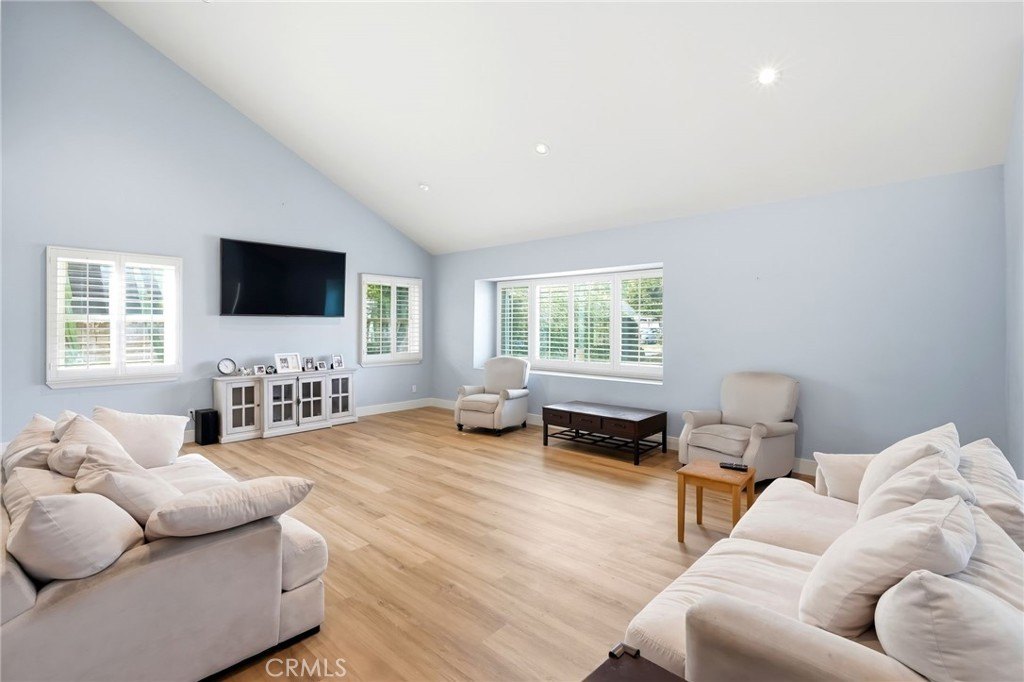
The five source photos below were used to create the two short ReelHive videos in this section. The horizontal and vertical examples were generated separately and run for approximately 16 seconds each. They are ReelHive examples, not a same-photo test of every tool in this guide
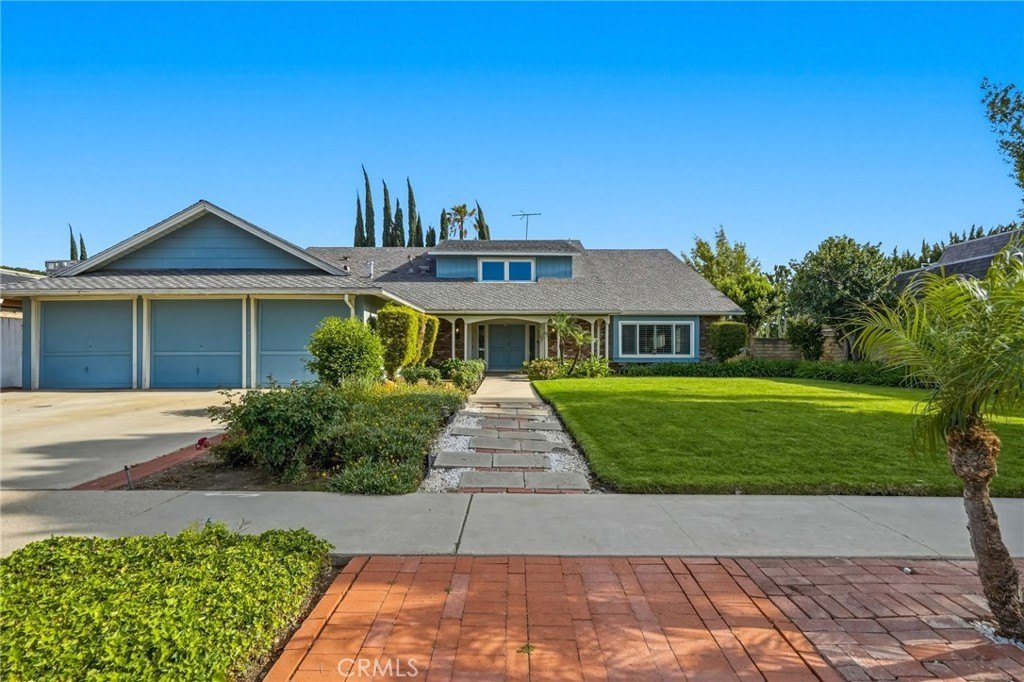
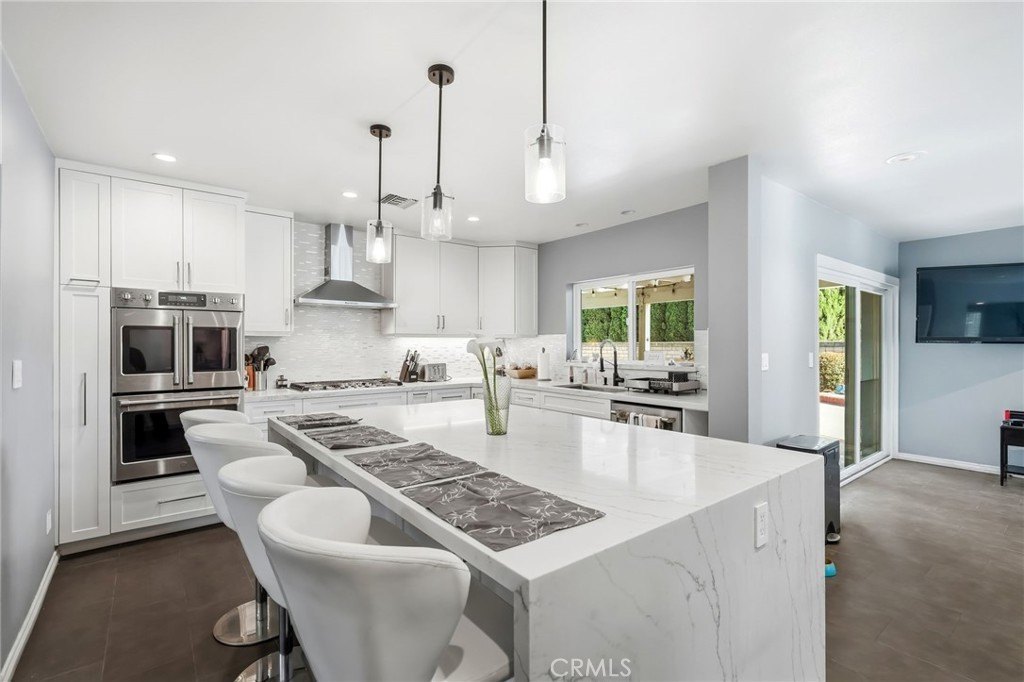
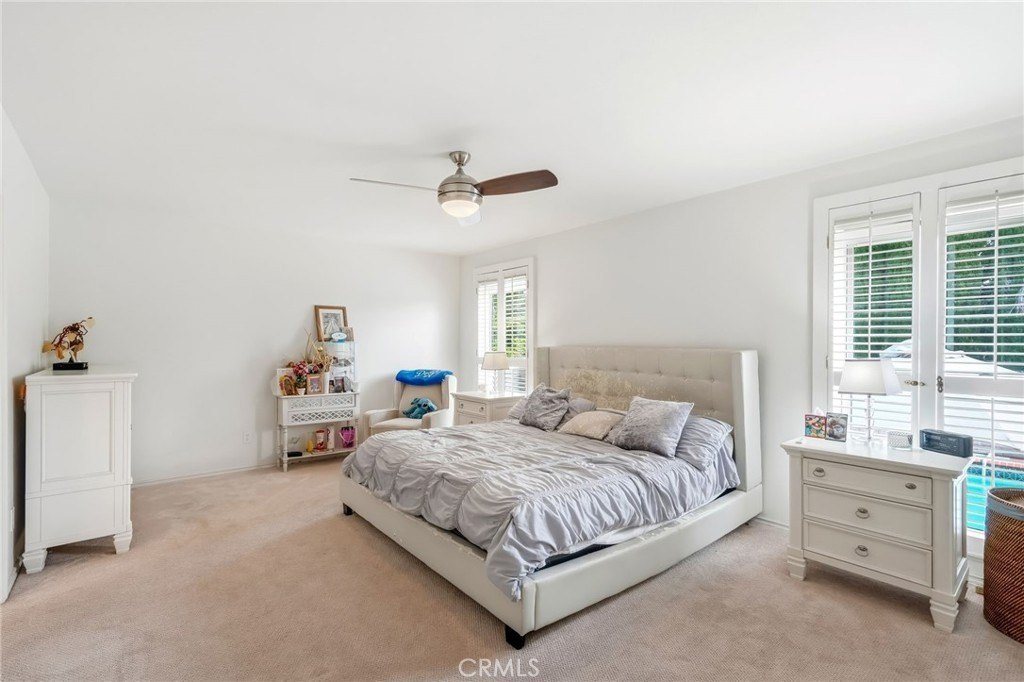
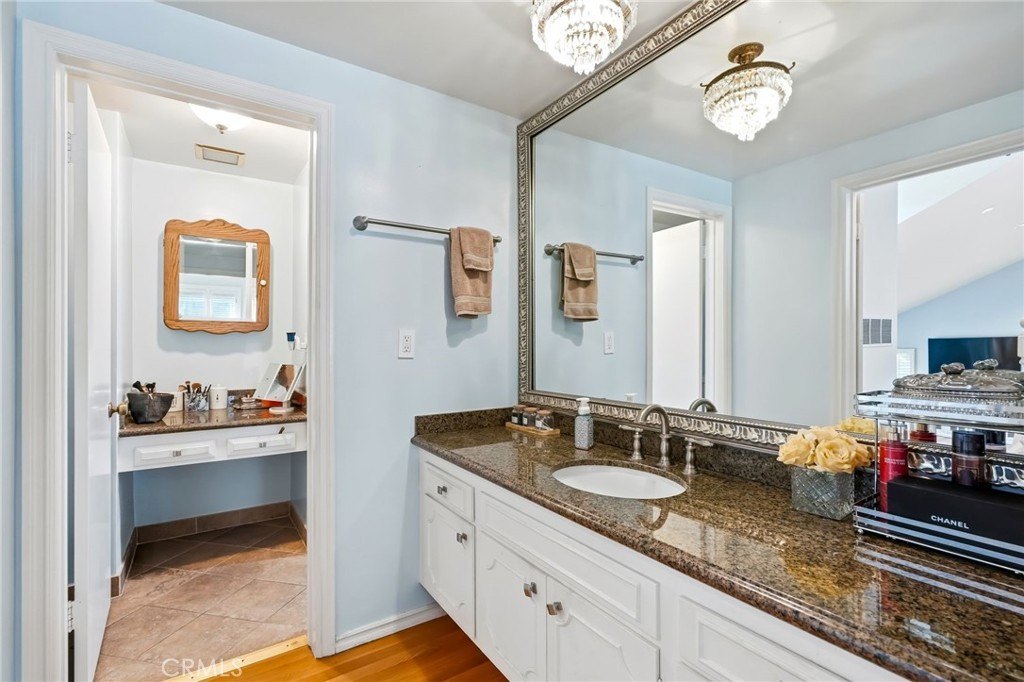
Review the framing, retained property details, camera movement, and the way photo order carries the story
07 / WORKFLOW
From listing photos to a finished ReelHive video
The workflow keeps your attention on the property rather than the mechanics of video production
For the full walkthrough, follow how to create real estate videos with AI, including photo preparation and pre-publication checks
Choose the property story
Upload the listing photos you have the right to use and arrange them in the exact order you want viewers to follow
Set the presentation
Choose Luxury, Modern, or Social, select 16:9 or 9:16, pick music, and add eligible property and brand information
Generate and review the finished cut
ReelHive creates the AI motion and final assembly, then you compare the result with the source photos before downloading and publishing
08 / REVIEW
Review every AI listing video before publishing
A convincing marketing video must still remain faithful to the property
- 01Property geometry, surfaces, fixtures, and visible room details match the original photos
- 02Listing text, logo, address, and contact details are accurate
- 03Music plays correctly and important property features remain inside the crop
- 04The final file meets the destination's current branding, synthetic-media, and delivery rules
09 / FAQ
Questions about AI real estate video tools
What are the best AI real estate video tools from photos?
For agents and photographers who want a complete property video without writing prompts or editing a timeline, ReelHive is our recommended starting point. It generates AI motion from listing photos and handles the final assembly in one focused workflow
Can I create a ReelHive listing video free?
Yes. Registration includes two free trial videos with up to five photos each, approximately 15–18 seconds, 720p output, and a ReelHive watermark. No credit card is required and there are no automatic charges
How is AI scene generation different from pan and zoom?
Pan and zoom move the visible crop across the original still. Generative scene motion creates new moving frames from the source image, allowing the camera movement and scene response to feel more like recorded video. Every generated result should still be checked against the original property photo
How many photos can I use in a ReelHive video?
Registration trial videos support up to five photos. Paid ReelHive videos support up to 20 photos, approximately 60 seconds, 1080p output, and optional project branding without the ReelHive platform watermark
Should I choose a ReelHive one-time pack or subscription?
Choose a one-time pack when you need occasional videos without recurring billing. Choose Essential, Growth, or Pro when listing video is part of your regular marketing workflow and you expect to use the included monthly allowance
Can I publish AI property videos on an MLS?
Rules vary by MLS, portal, market, and media type. Check current requirements for branding, music, synthetic-media disclosure, and unbranded delivery. A video's aspect ratio or resolution alone does not establish compliance
Create your next listing video from the photos you already have
Upload the property gallery, choose the story and presentation, and let ReelHive generate the motion and finished cut. Your first two listing videos are included when you register, with no credit card required
Create your first property video